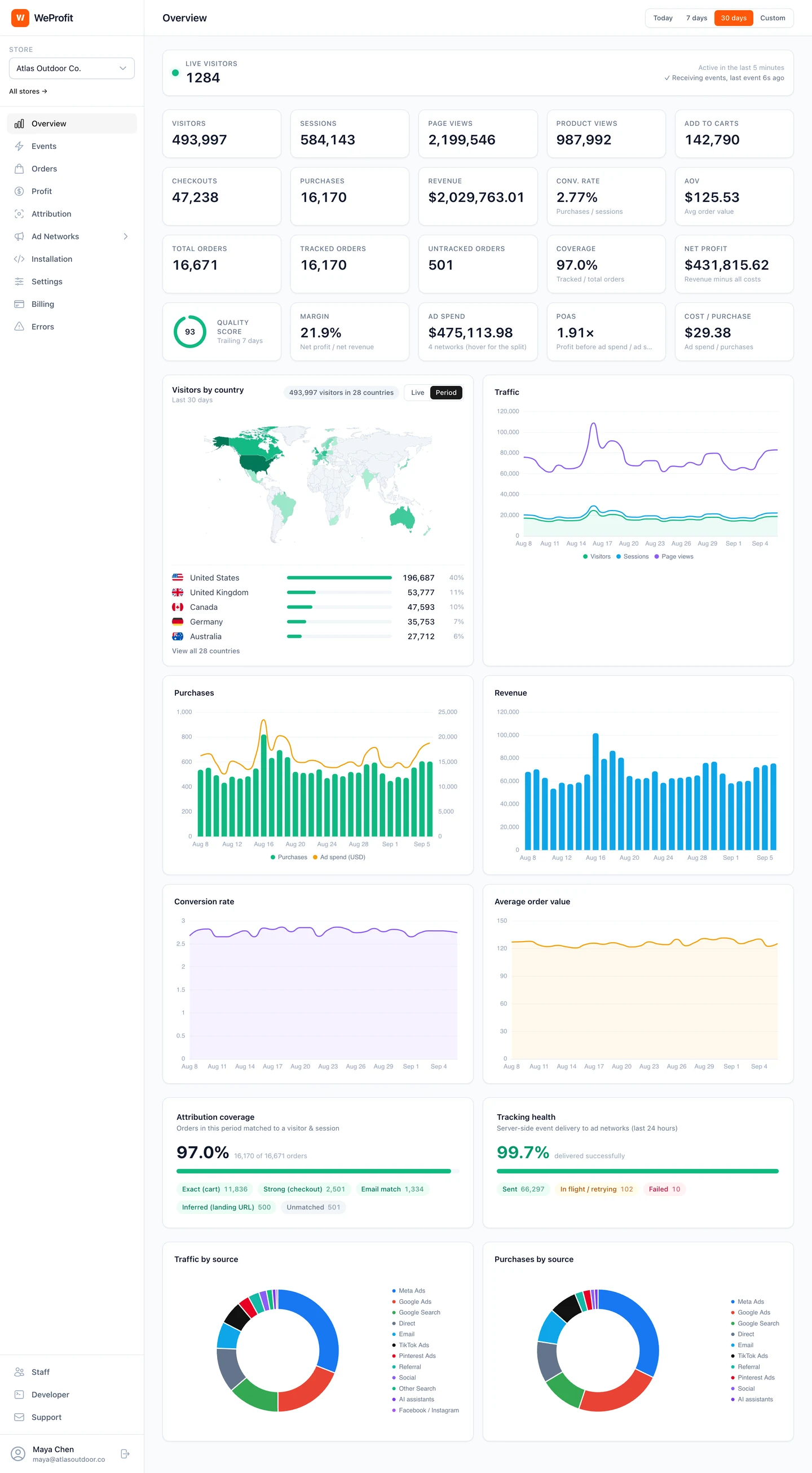
Storefront activity and Shopify orders, connected
The Shopify integration uses a Web Pixel extension, the storefront tracking setup, and order webhooks. Browser activity provides journey context; Shopify order, refund, and cancellation information provides the commerce record.
WeProfit uses available identifiers such as cart attributes, checkout tokens, and landing-page signals to associate an order with its journey. Attribution confidence indicates the strength of that link. Missing identifiers or consent restrictions can still leave gaps.
Set up your Shopify tracking in a clear sequence
Create your WeProfit account and select the intended store. Shopify subscription approval activates the 14-day trial. The store owner can configure installation; staff need installation permission. Review the actual Shopify authorization screen for the permissions requested by your connection. Order and customer-event access connect the commerce record with browsing activity; pixel access enables tracking.
- In your store’s Installation page, enter the myshopify.com address or store domain and select Connect Shopify. Review and approve the Shopify authorization screen.
- After authorization, WeProfit installs the web pixel and subscribes to order updates. Select Open theme editor, enable the WeProfit app embed and select Save. If needed, find it under App embeds in the theme editor sidebar.
- Open the active storefront in a new tab. Visit a product and add an item to the cart. Return to Installation and select Refresh. Check Connected, web pixel Yes and app embed Active after events arrive.
- Under Verify your installation, enter the storefront URL and select Run check. Review the script, store write key and recent-events checks. A dynamically loaded Shopify script may not appear in an HTML scan; incoming events provide a separate check.
- Connect and enable your ad network destinations. Store collection and ad network delivery need separate configuration and verification.
Verify one purchase before comparing totals
Use a permitted test purchase or a real order you can identify. Record its ID, paid status, timestamp, total and currency in Shopify. Locate the same order in WeProfit, inspect its attribution confidence and check delivery to each intended destination. Shopify order webhooks supply the commerce record; checkout browser events can enrich it with session context.
Check the browser and server purchase identifiers together when both paths send to the same network. Keep the test results with the setup date so you can repeat the same checks after theme, checkout or pixel changes.
| Symptom | Next check |
|---|---|
| Orders appear but storefront events do not | Enable and save the app embed in the active theme, then visit the storefront and refresh Installation. |
| Script scan does not find WeProfit | Inspect recent events too. Shopify may insert the script after the initial page loads. |
| No recent events | Generate a new product view or cart action and rerun the check; also verify consent and collection settings. |
| A staff member cannot configure installation | Review that member’s installation permission with the store owner. |
| Store events arrive but no network delivery | Check that destination’s credentials, enabled state, filters, supported events and delivery log. |
Review existing purchase senders before switching
Shopify stores often already have advertising channels, pixel apps, or custom scripts installed. Two tools can submit the same purchase to the same destination. Inventory those senders before you change the setup.
WeProfit uses purchase event identifiers and deduplication within its tracking flow. An independent sender still needs compatible identifiers and destination configuration. Check the purchase value, currency, order identifier, and event count in your test.
Evaluate your store, not a headline accuracy claim
During the 14-day trial, compare the same store and date range across Shopify, WeProfit, and your ad networks. Inspect individual examples when totals differ. Reporting windows and attribution rules can create differences even when events are delivered.
Shopify plans start at $19 per month for up to 300 orders per store. All 10 ad networks, attribution, profit tracking, the developer API, and the AI assistant are included in every plan. Billing uses Shopify’s 30-day cycle.